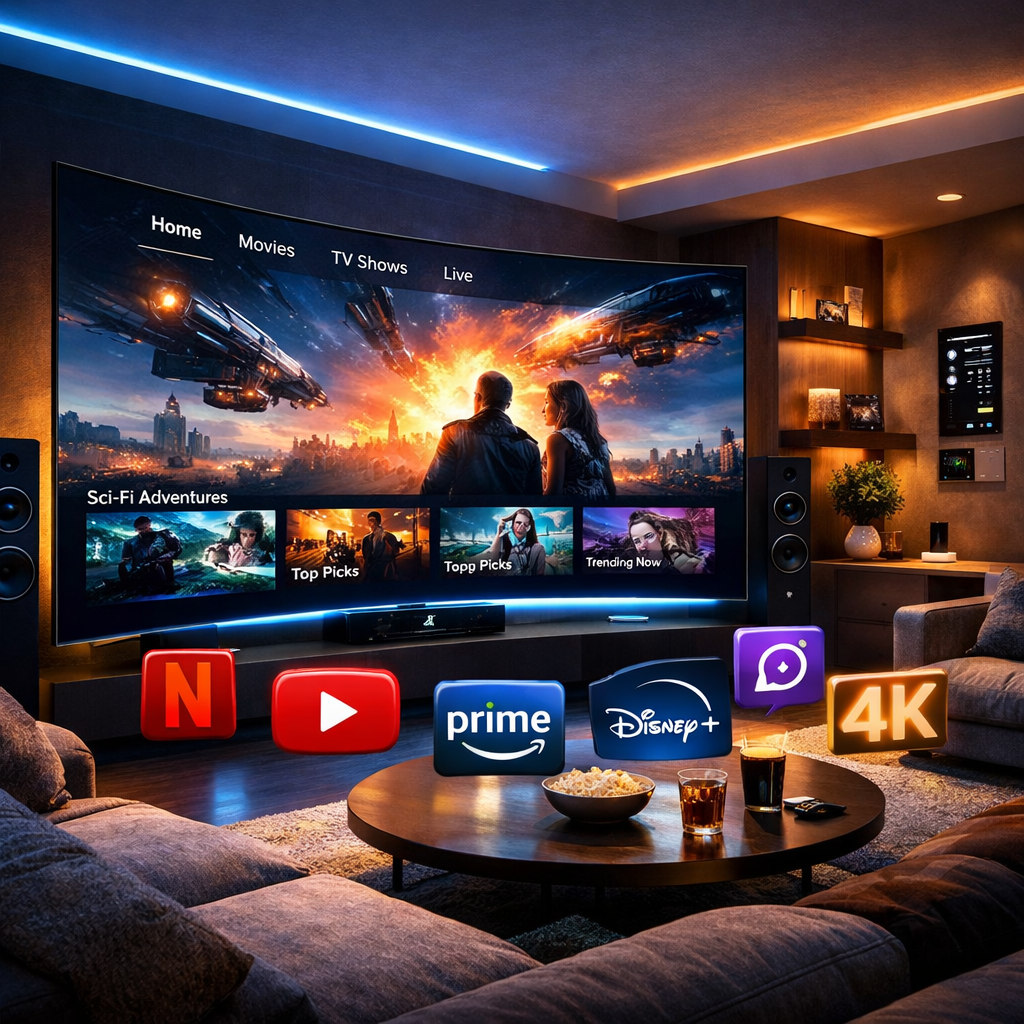
There’s a whole new world of movies and TV shows streaming on the Internet, but many people with HD or 4K TVs don’t realize how much they’re missing. As long as you have WiFi in your home you can connect via Smart TV, Blu-ray, video game console or inexpensive interfaces. You’ll have no idea how you lived so long without streaming video in your home theater.
You’ve heard water cooler talk about Internet TV shows like House of Cards and Orange Is the New Black, or you’ve discovered that some of the new films you want to watch are only available on Amazon or Netflix, or you’re searching for a plentiful source for movies which will show off what your brand-new 4K TV can do. You can’t put off the inevitable any longer – it’s time to set up your television or home theater to receive streaming content. (Obviously, you’ll need an HDTV or 4K TV to watch high-def or 4K streaming, respectively.)
Even if you’re not sure where to begin, you probably know what streaming video is; it’s content (that is, movies or TV shows) transmitted directly over the Internet and not on traditional cable or satellite channels. That’s an important starting point, because it tells you exactly what has to be done: find a way to bring the Internet into your HDTV and control what’s displayed. Here’s the way to do it.
Internet Speed Requirements for HD & 4K Streaming
Before setting anything up, make sure your home internet can handle it:
- HD streaming (1080p): At least 5-10 Mbps per device
- 4K streaming: At least 25 Mbps per device (Netflix and most services recommend this minimum)
- Multiple devices/TVs streaming at once: Add 25 Mbps per additional 4K stream
For the most reliable 4K streaming, connect your TV or streaming device directly to your router via Ethernet cable where possible. If you’re relying on WiFi, place your router centrally in your home, or consider a mesh WiFi system if you have dead zones or multiple TVs in different rooms.
Smart TV
If you’ve purchased (or are about to purchase) what’s called a smart TV, you should be in luck. These HDTVs and 4K TVs have built-in Internet connectivity, so as long as you have WiFi in your home, you can “put your television online” the same way you would with a tablet or phone. Most also support wired Internet connections. From there, simply access Netflix, Amazon, Hulu, or your streaming video provider of choice (you’ll have to pay them to subscribe, in most cases) from your TV menu to get access to tons of HD and a growing amount of 4K streaming content.
Need help setting up a complete smart home entertainment system? Explore our Home Theater Design & Installation services.

There’s one caution: although most smart TVs support all major streaming services and add new ones from time to time, some older models don’t. Make sure the service you want is available on a smart TV model before buying it.
Blu-ray Players and Video Games
Many of the latest Blu-ray players on the market offer streaming video capabilities, so once you’ve hooked up the player to watch HD or 4K movies on your TV or monitor, you can also access most popular video streaming services as well.
Similarly, modern game consoles like the PS5 and Xbox Series X/S support full 4K HDR streaming through Netflix, Amazon, Disney+, and other apps, feeding content directly to your TV with no extra hardware needed.
Set-Top Boxes and Dongles
For most consumers, a simple Internet interface is the easiest way to receive streaming video content. Those interfaces fall into one of two categories: set-top boxes and dongles.
Set-top boxes are just what their names imply. They sit on top of and connect to your TV via HDMI cable, and you control them with a remote. Roku Ultra is the most popular, but Amazon Fire TV Stick 4K Max and Apple TV are also widely used. Check to be sure the box you choose can receive the service you want; these days, most are pretty good about that, but there are exceptions, like not being able to watch Amazon’s streaming on Apple TV. Boxes are all in the $60-120 range.
Dongles, also known as sticks, perform almost the same way but plug directly into an HDMI port on the TV and are controlled by smartphone or tablet. Google Chromecast is the cheapest at about $25 and has fewer features, but purely for streaming it’s just as good as the Amazon Fire Stick or Roku Streaming Stick which cost $40-50.
Want everything controlled from one remote? Check out our Universal Remote Control solutions.
Best Internet Streaming Services
It would be great to have access to all Internet streaming providers, but since you have to pay for each one you’ll probably have to choose one or two. Netflix has the widest selection of exclusive HD TV shows and movies, Hulu is the best to watch back episodes of current network and cable TV programs, Google Play has a good selection of new HD movies but you have to rent them (ditto for Vudu but for older movies), Amazon has the most family-friendly programming and as an off-beat choice, Vevo is the closest you’ll come to the old MTV (and it’s free, too).
4K content is slowly coming to all of the services, but Netflix is the best current source; all of its own TV shows are shot in 4K and it has a growing number of 4K feature film titles. Amazon and Vudu are adding new 4K movies regularly (Vudu also supports Dolby Atmos sound), and services like Disney+ and Max now offer extensive 4K and HDR libraries as well.
Whichever combination of smart TV, streaming device, and service you choose, getting started with HD and 4K streaming at home has never been easier. If you’d like help setting up a complete home streaming or home theater system, our team at DTV Installations can design and install everything for you, from device setup to whole-home WiFi optimization. Contact us for a free consultation.
Frequently Asked Questions
How do I get HD TV at home?
You need an HDTV or 4K TV along with a WiFi or wired internet connection. From there, use a smart TV’s built-in apps, a streaming device (like Roku or Fire TV Stick), or a gaming console to access streaming services in HD.
How can I stream TV shows in high definition?
Connect a smart TV, streaming device, or game console to your home WiFi, then open a streaming app like Netflix, Hulu, or Amazon Prime Video. Most services automatically stream in HD if your internet connection and device support it.
What internet speed do I need for 4K streaming?
Most streaming services recommend at least 25 Mbps per device for smooth 4K playback, and a wired Ethernet connection for the most reliable results.
Can I watch 4K content on a regular HD TV?
No, 4K content requires a 4K-capable TV to display its full resolution. On an HD TV, 4K content will automatically downscale to 1080p or lower.
Do I need a separate device if I already have a smart TV?
Not necessarily. Most modern smart TVs have built-in apps for Netflix, Hulu, and Amazon. A separate streaming device is only needed if your smart TV is older or doesn’t support the specific app you want.